
- Working prototype
- Equipment hire & supply
- Worksite ordering
COT Sverige PortalConnect equipment, supplies and the worksite.
Choose the equipment. Prepare the order. Follow the handover.
Equipment hire, tools and construction supplies belong to the same worksite plan. ReApptor developed the COT Sverige Portal prototype to connect a visual catalogue with customer pricing, site orders and equipment handovers.
- Svenska (Swedish)
- English (English)
- Polski (Polish)
- Русский (Russian)
ReApptor can build multilingual workflows for teams and customers working across markets!
Case overview
Business problem
The order needs its worksite context
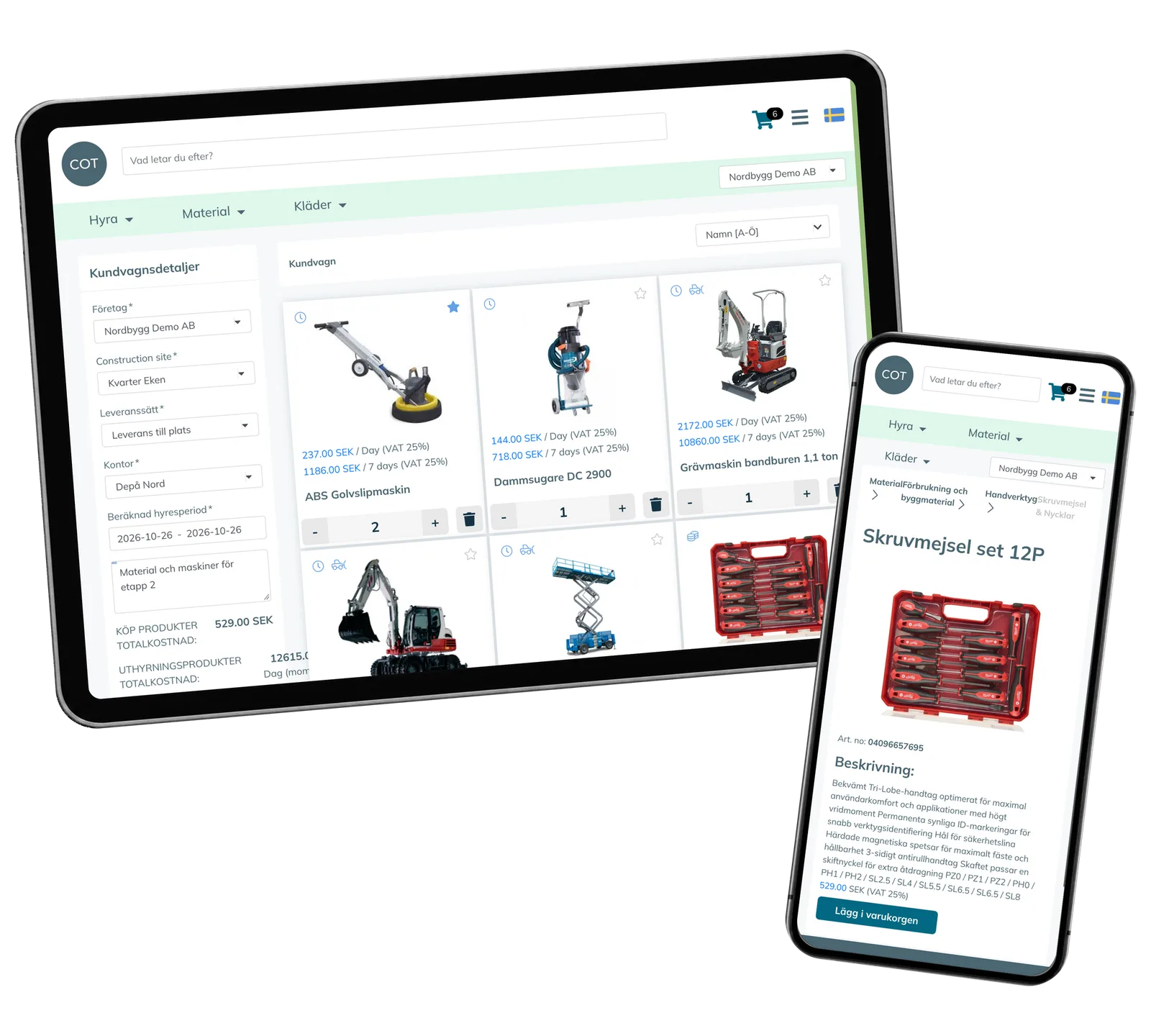
COT Sverige supplies rental equipment, tools and consumables for construction work. A customer may need a machine for a specific period, compatible accessories and materials to purchase for the same site. The order also needs a company, delivery or depot collection, a worksite and a useful instruction for the people preparing it. For rental equipment, the handover continues after ordering: staff need to distinguish the requested quantity, what has actually left the depot and what has returned. The prototype brings those business records together so that the product choice remains connected to the work being supplied.
From product photographs to the equipment handover
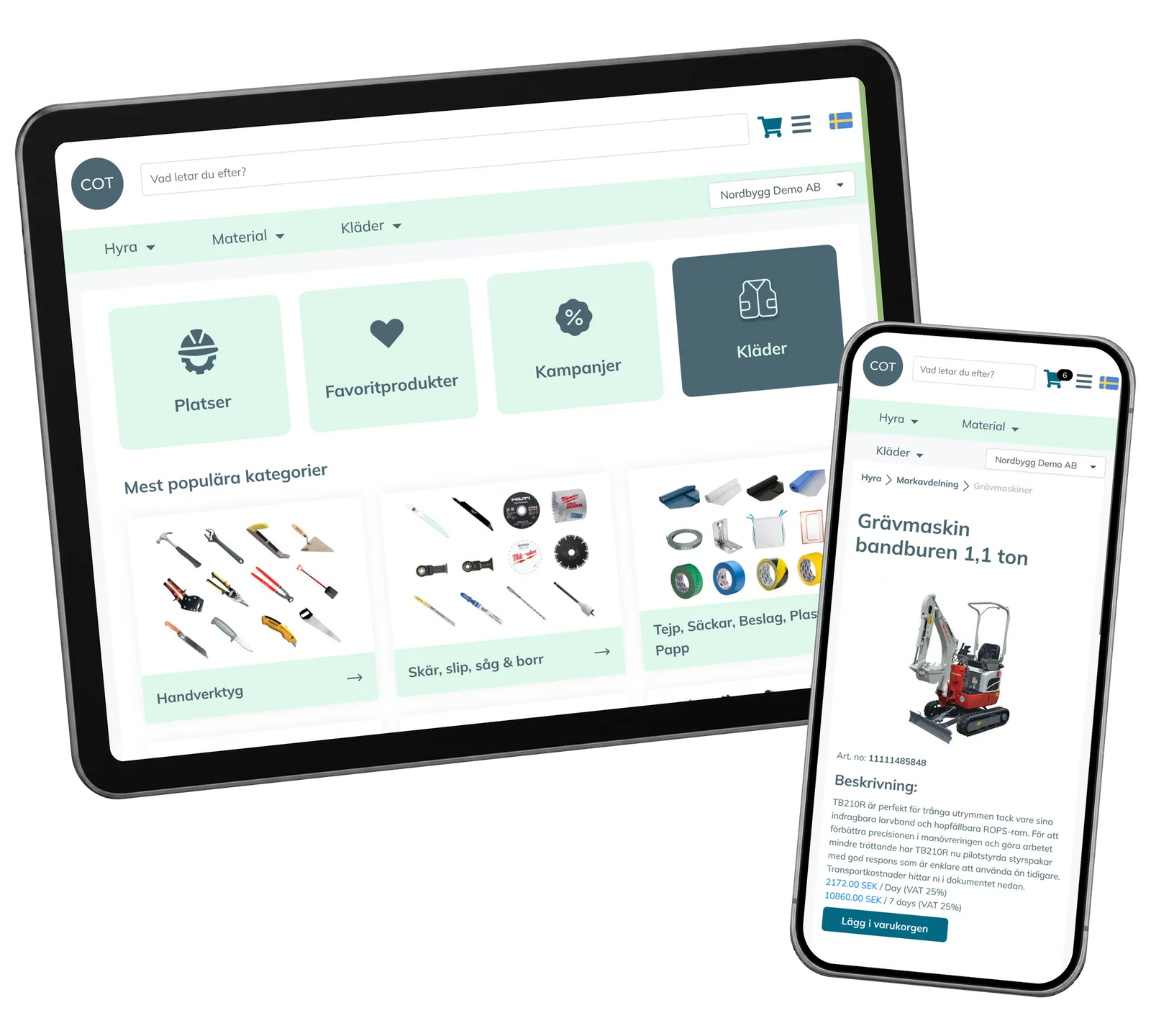
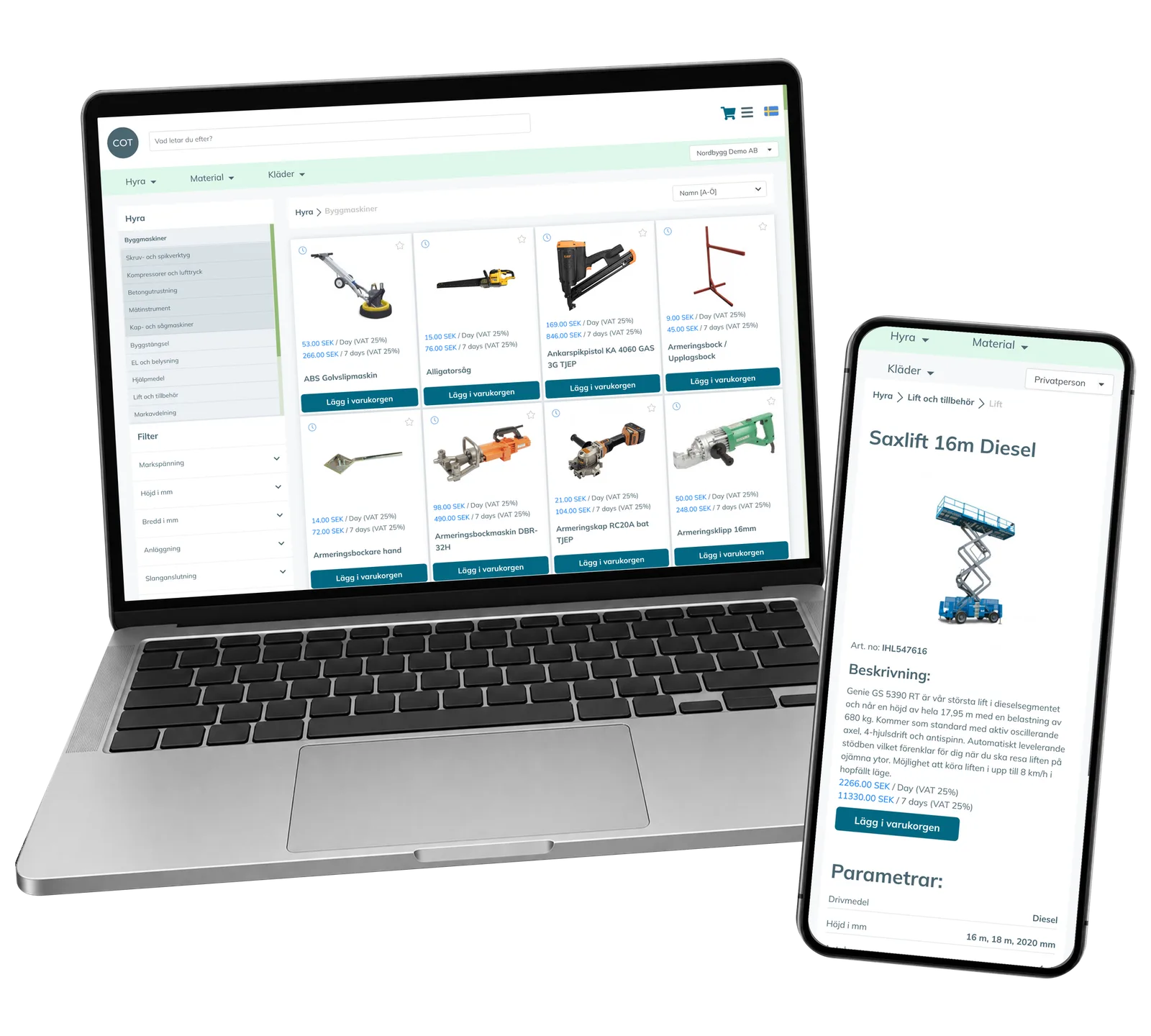
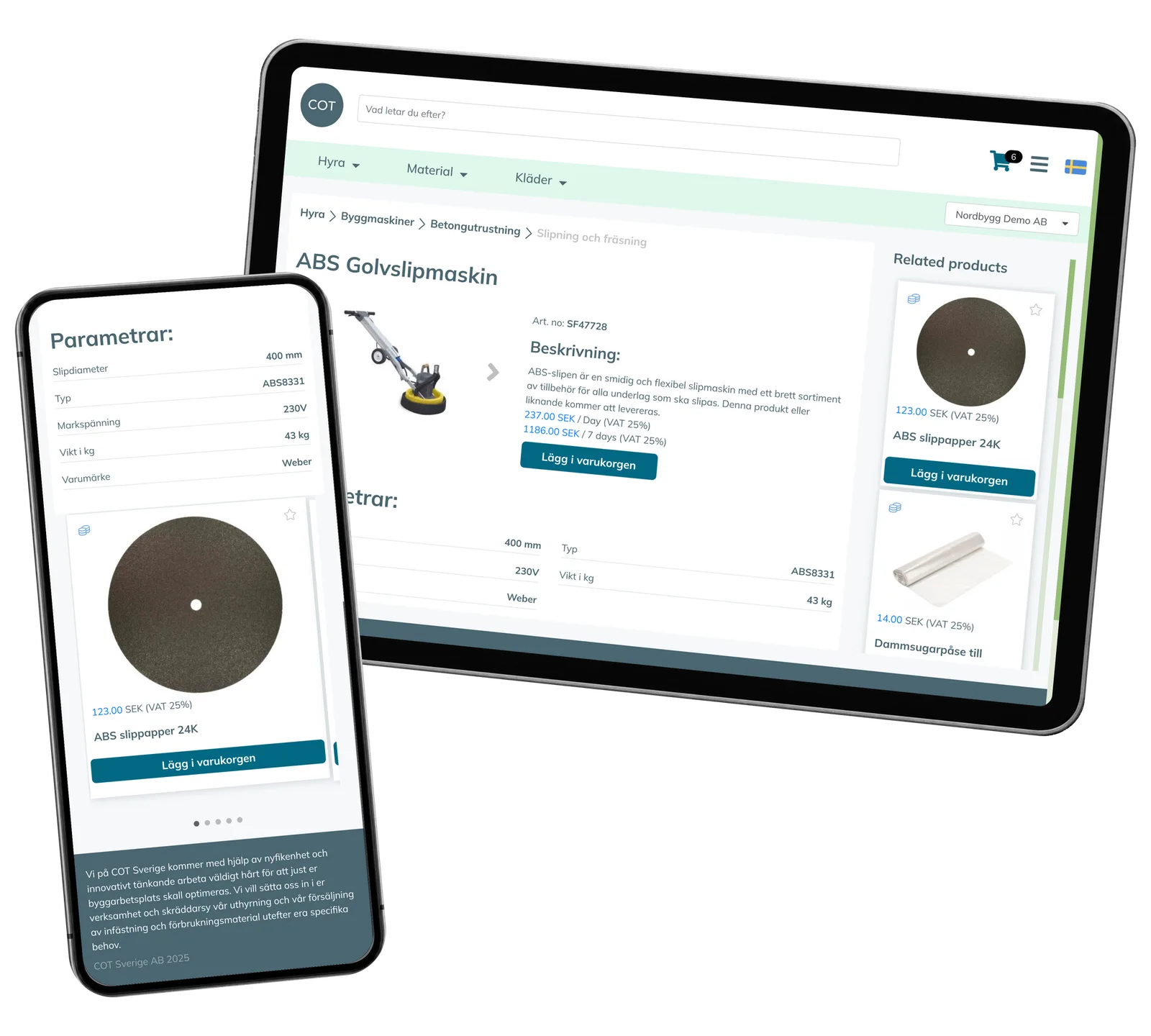
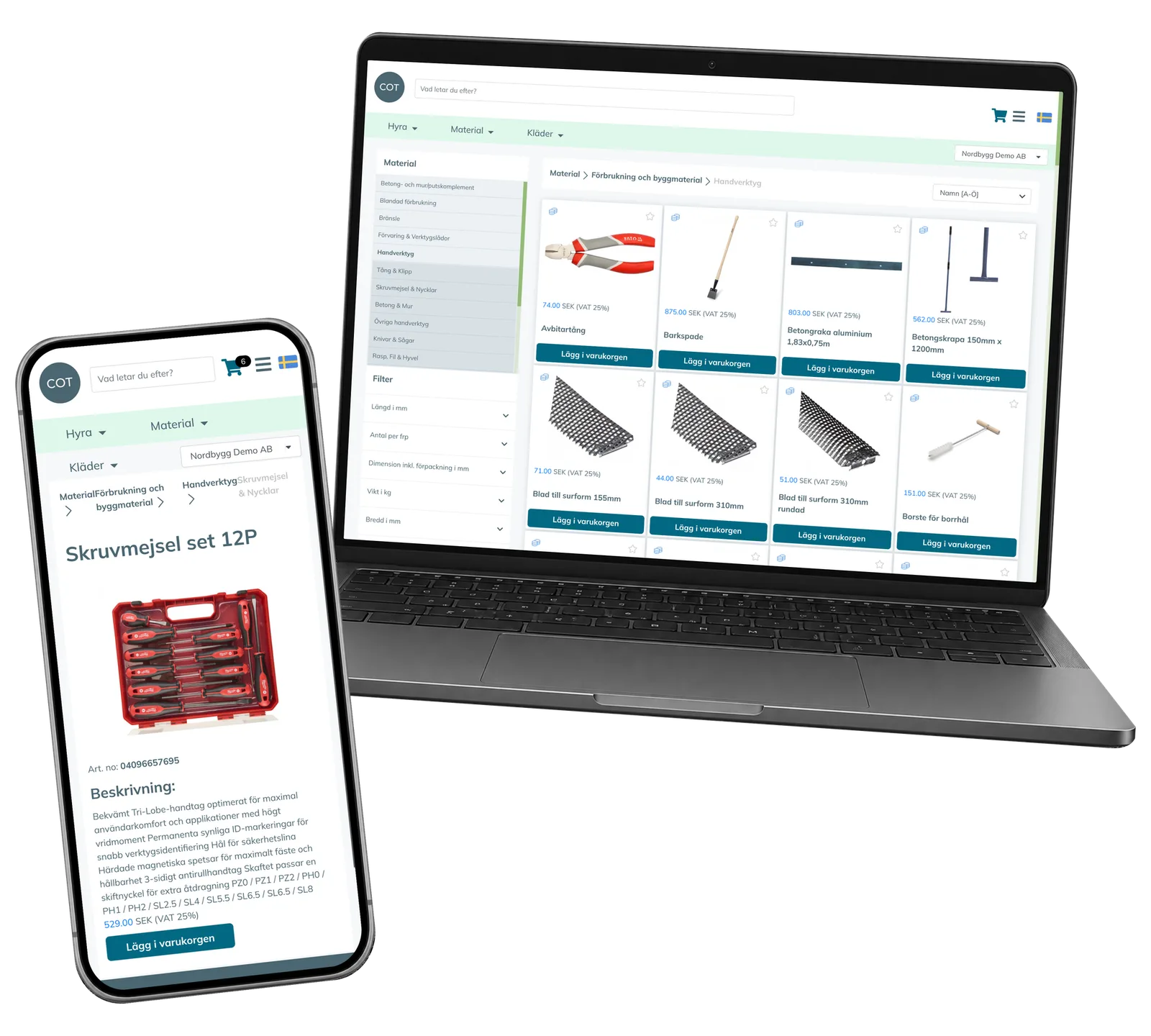
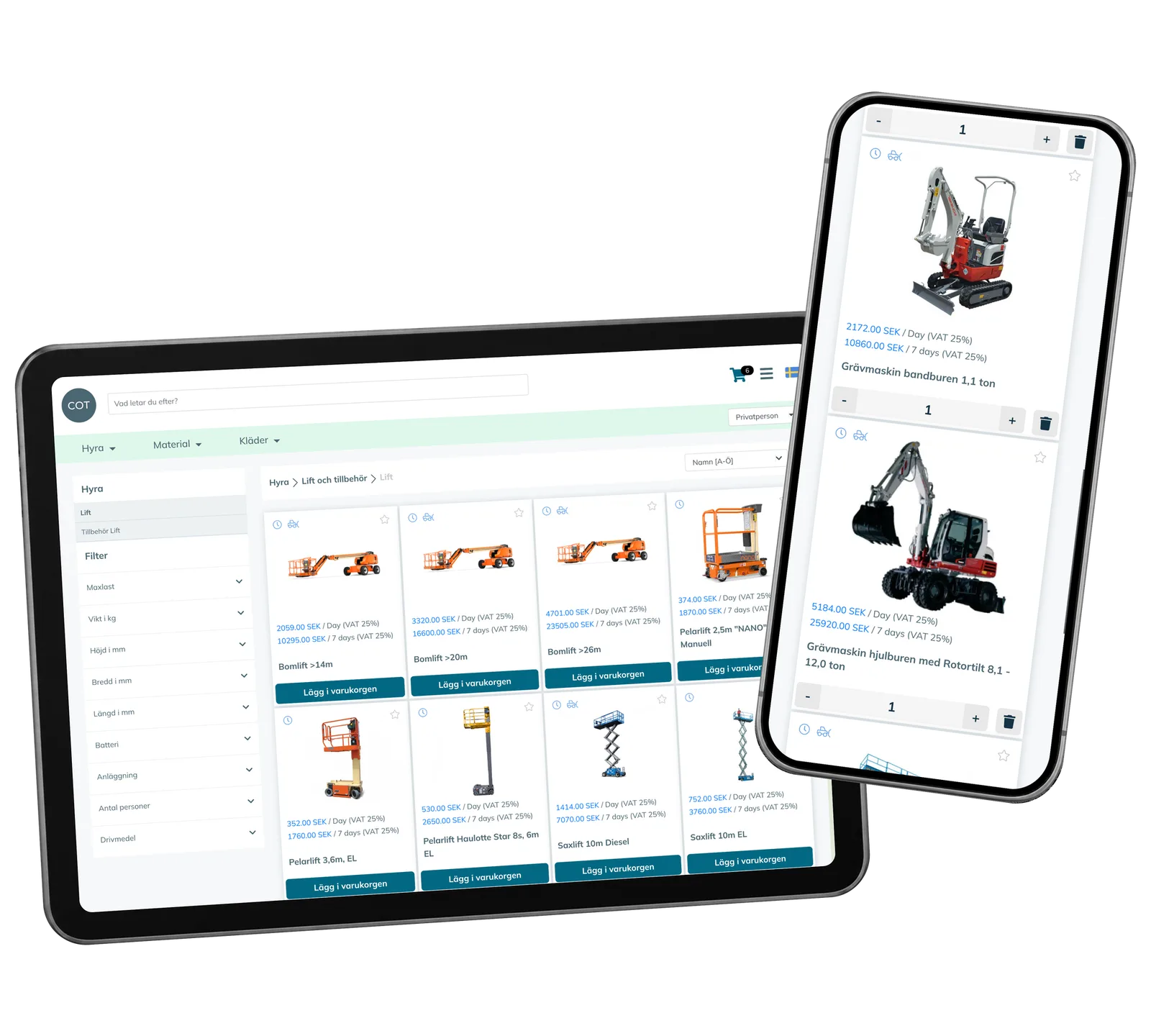
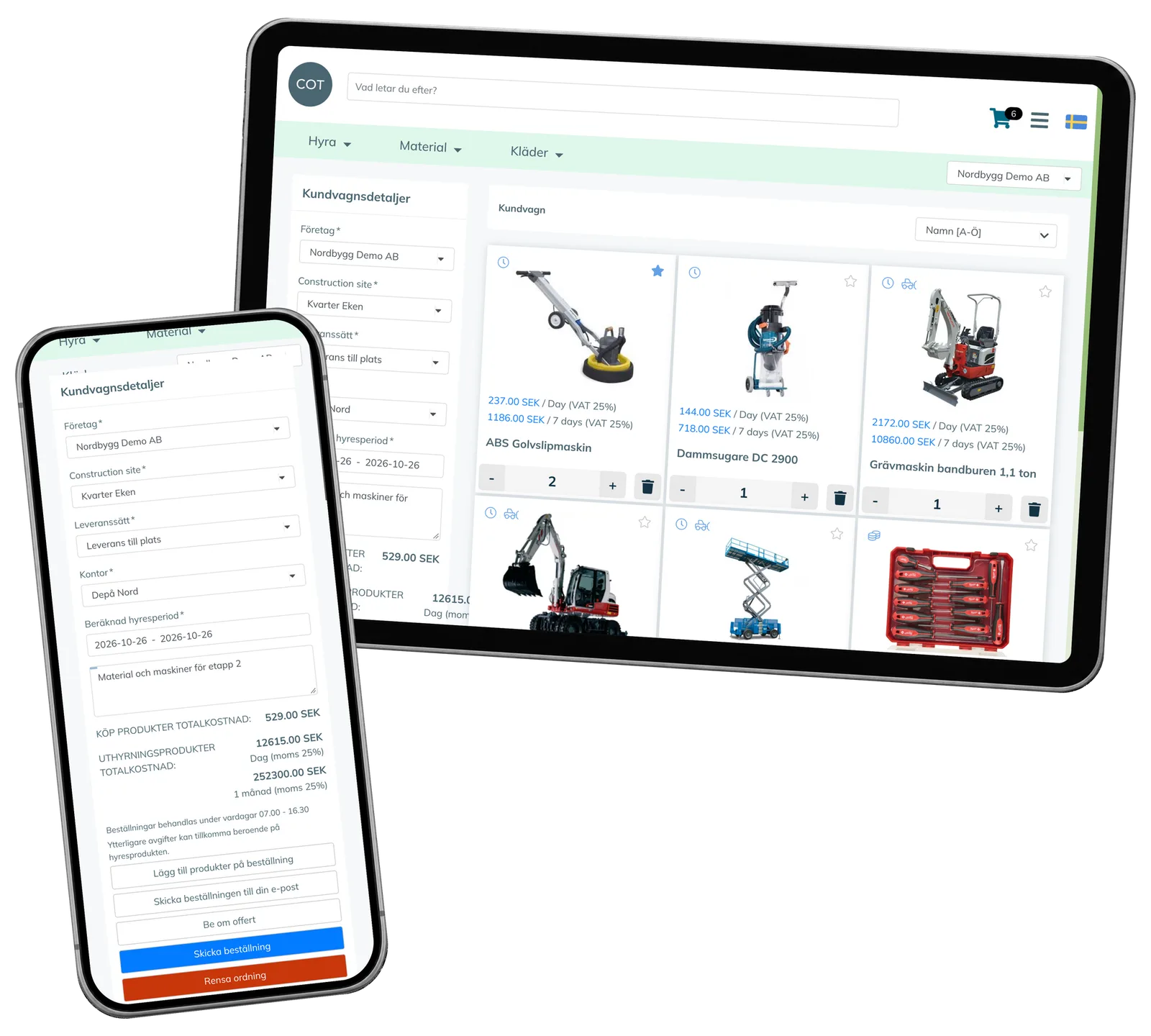
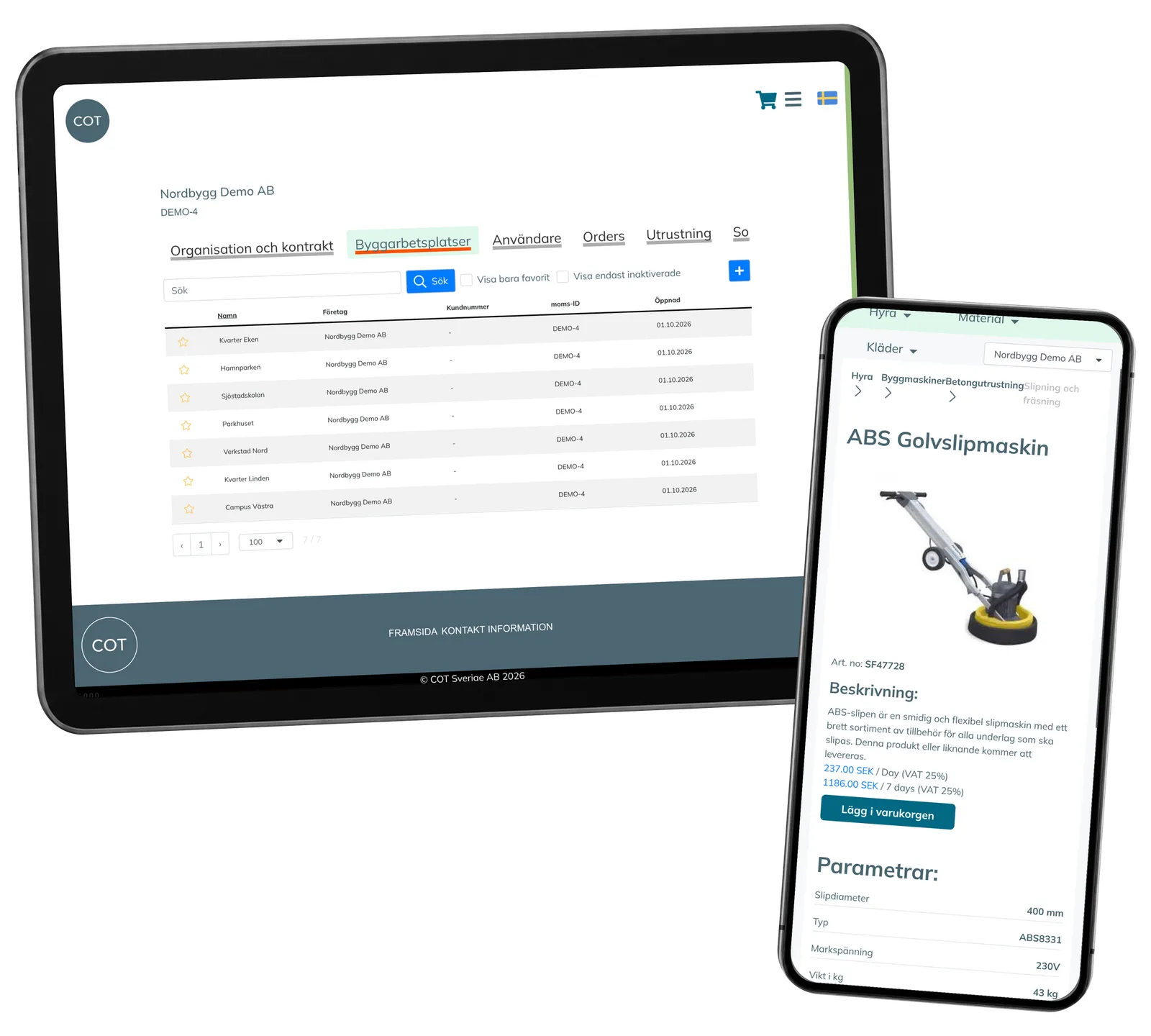
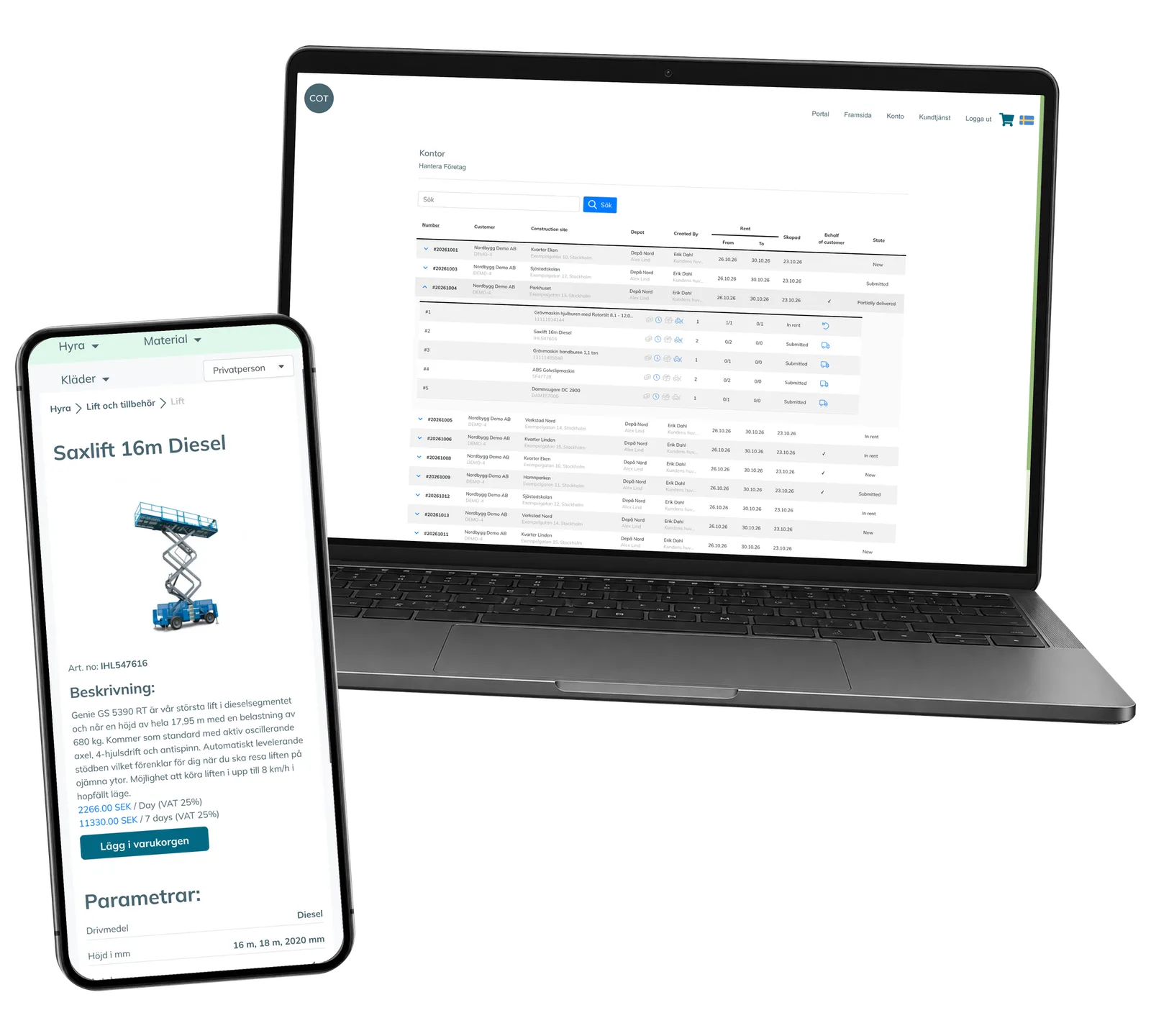
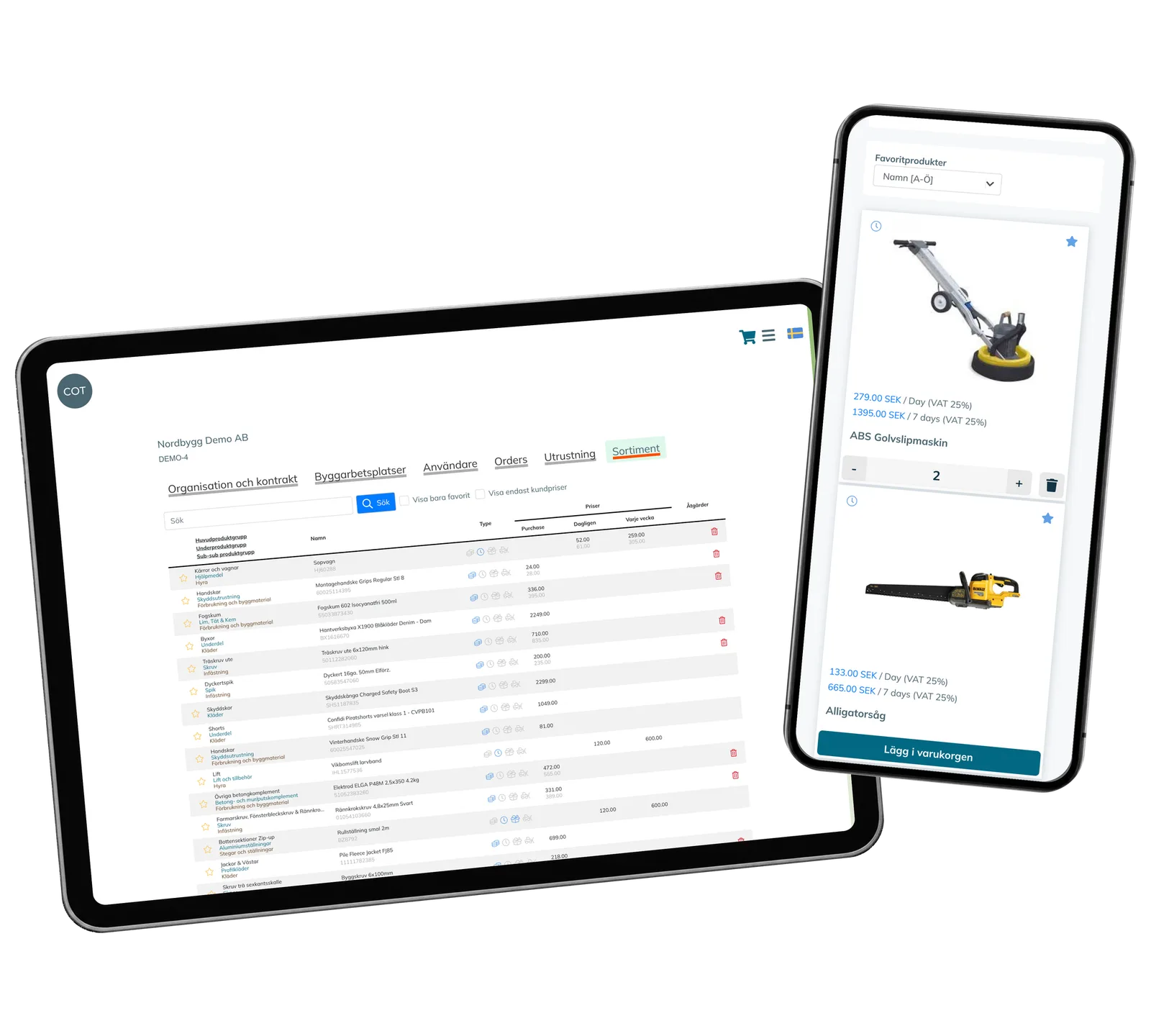
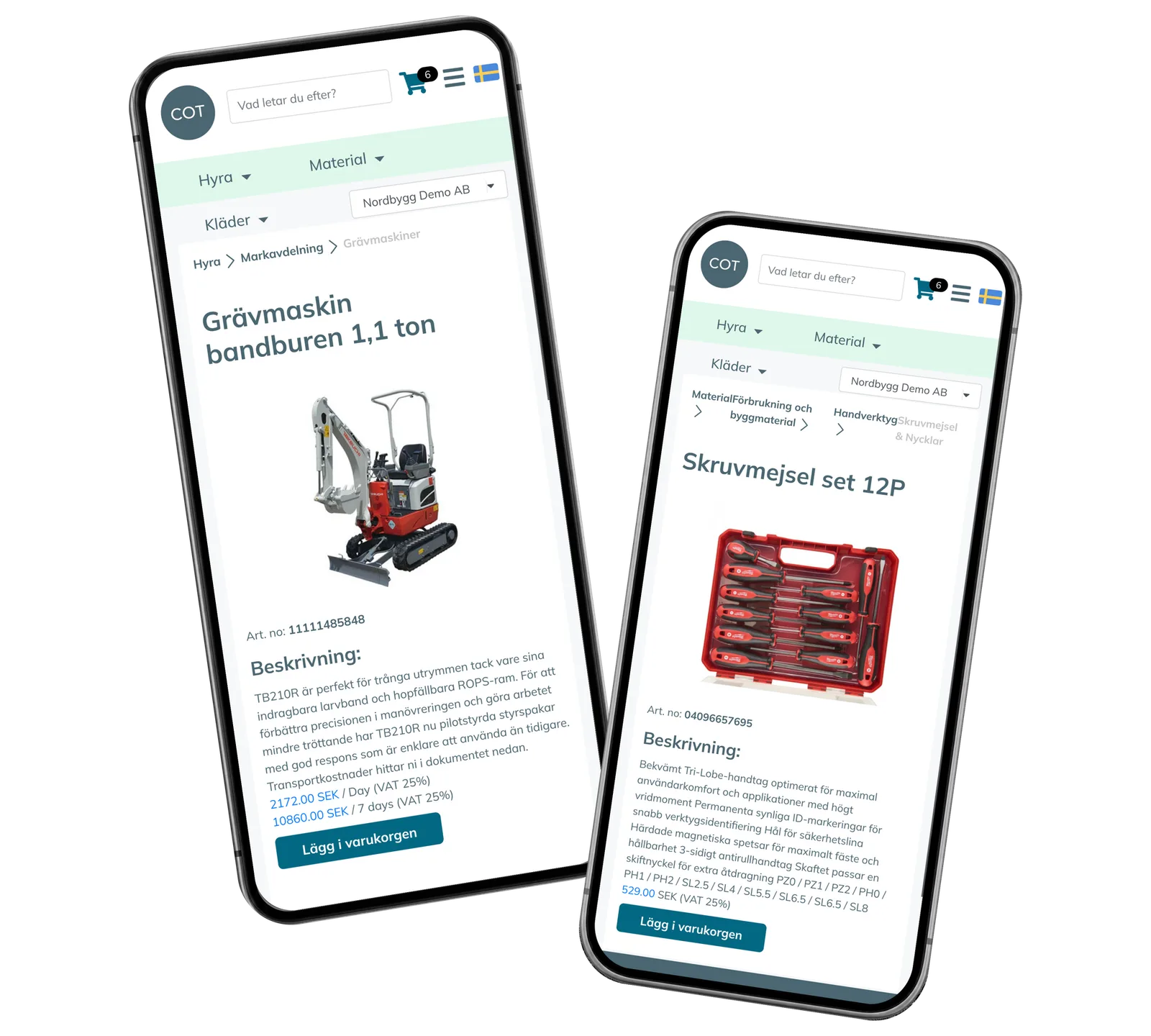
The catalogue combines photographs, product groups, search, technical attributes and related items. Customers can use a private-person or company context; the company context applies the corresponding customer prices. Rental and purchase products can be collected in the same basket. The customer prepares the site, delivery method, depot, expected rental period and comment, then can submit an order or request a quotation. The employee view connects the order to its customer, site, quantities and rental dates. For equipment tracked as individual machines, the delivery flow assigns available units and the return flow records their return and inspection-needed state. This is a working prototype shown with fictional local demonstration records.
Screenshots and media
Screenshots and media
Product capabilities
What customers and teams can do
Choose the right equipment
Browse equipment and materials through product groups, photographs and technical filters. Open a product to check its properties and related accessories, then add it to the basket. Favourite products provide a direct route back to the items the customer wants to use again.
Prepare a worksite order
Bring rental equipment and purchased supplies into one order. Select the company, site, delivery method and depot, and provide the expected rental period and instructions. The same preparation flow supports an order, a quotation request or sending the basket to the customer’s email.
Follow delivery and return
Follow the ordered, delivered and returned quantities for each order line. Assign available individual machines when equipment is delivered and keep the machine linked to the order while it is rented. A return changes that record and marks the machine as needing inspection.
Reusable platform model
What ReApptor can reuse from this case
Equipment rental and supply portal
Give customers a visual route from product choice to an order. Combine rental periods, purchased supplies, related accessories and customer pricing in the same portal, with the catalogue and ordering steps adapted to the equipment and materials your business supplies.
- Keep product choice and the order together.
Ideal for
Equipment rental firms and construction-supply companies.
Customer and worksite workspace
Connect an order to the company and worksite it serves. Keep site details, customer-specific product prices and the related orders available in one workspace, so staff can review the project context while preparing equipment or discussing the customer’s next requirement.
- Keep the worksite and its orders connected.
Ideal for
Suppliers serving companies with several active worksites.
Equipment handover workflow
Follow equipment beyond the shopping basket. Link physical machines to order lines, distinguish partial delivery from equipment still in rent and record returns for the next inspection step. Adapt the states and handovers to the way your depot and site teams work.
- Keep the equipment and its handover connected.
Ideal for
Rental operations coordinating depot and worksite teams.
Build the portal around your rental business
Show us how customers choose equipment, how orders reach the depot and what your team needs to record at delivery and return. We can discuss a portal that connects those steps with your own product range, pricing and worksite responsibilities.
Discuss your rental portal