
- Working prototype
- Equipment service
- Guided inspections
Mediq ServicesA clear next step for every equipment check.
Find the device. Follow the checks. Keep the record.
Equipment checks, service work and their history in one practical workflow. ReApptor developed a Mediq prototype that guides technicians through inspections and gives service teams a shared view of the next task.
- Suomi (Finnish)
- English (English)
- Svenska (Swedish)
ReApptor can build multilingual workflows for teams and customers working across markets!
Case overview
Business problem
Keep each check connected to the right device
Equipment service brings together identification, condition checks, accessories, observations and follow-up work. A technician needs the right instructions at the device, while a coordinator needs to know what is waiting, what has been checked and what needs attention. The Mediq Services prototype brings these views together around the equipment record. The work can move from a return inspection to a service task without losing the observations that explain the next step. This case demonstrates the equipment-service workflow with prepared example records.
A practical workflow from identification to follow-up
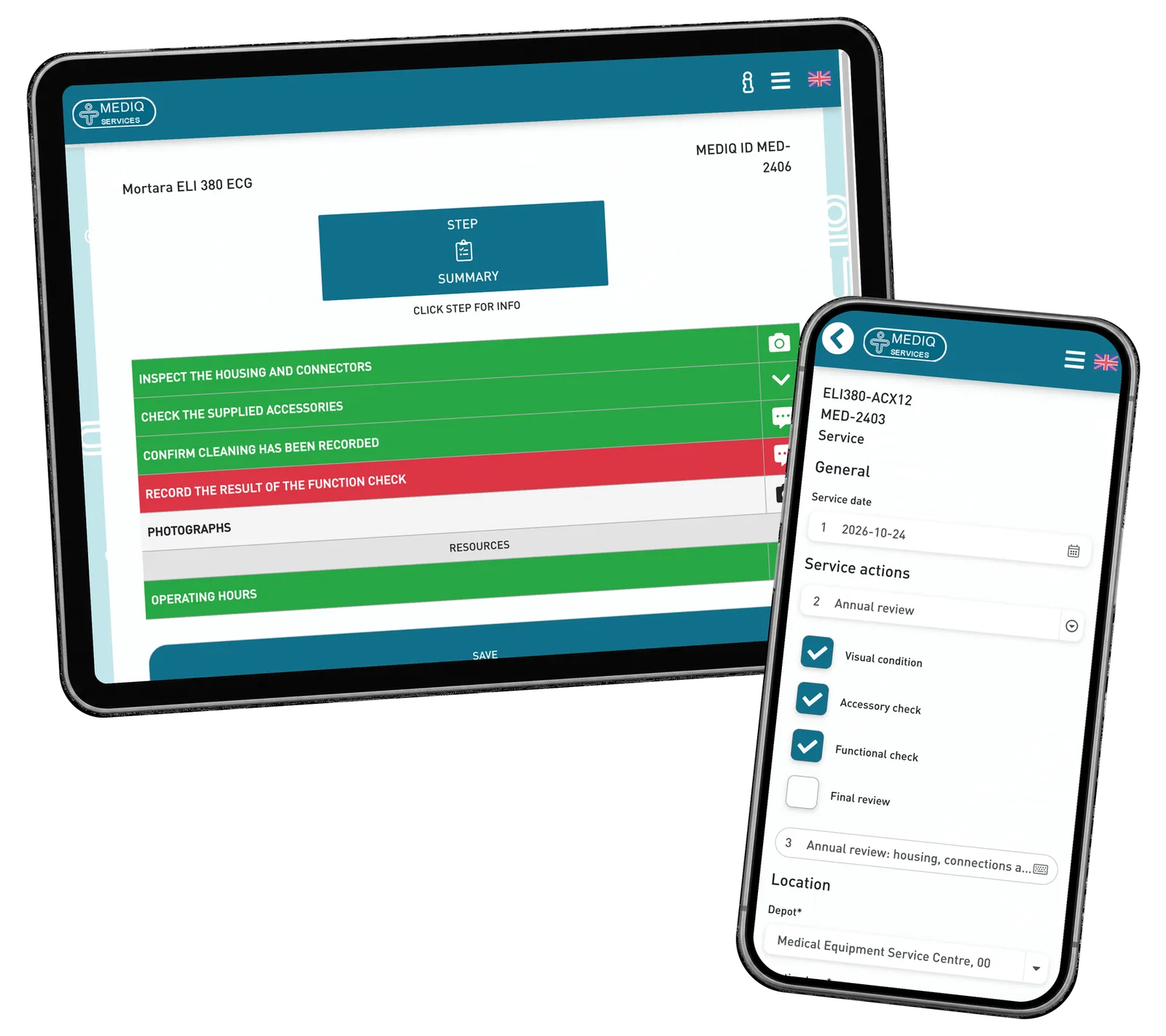
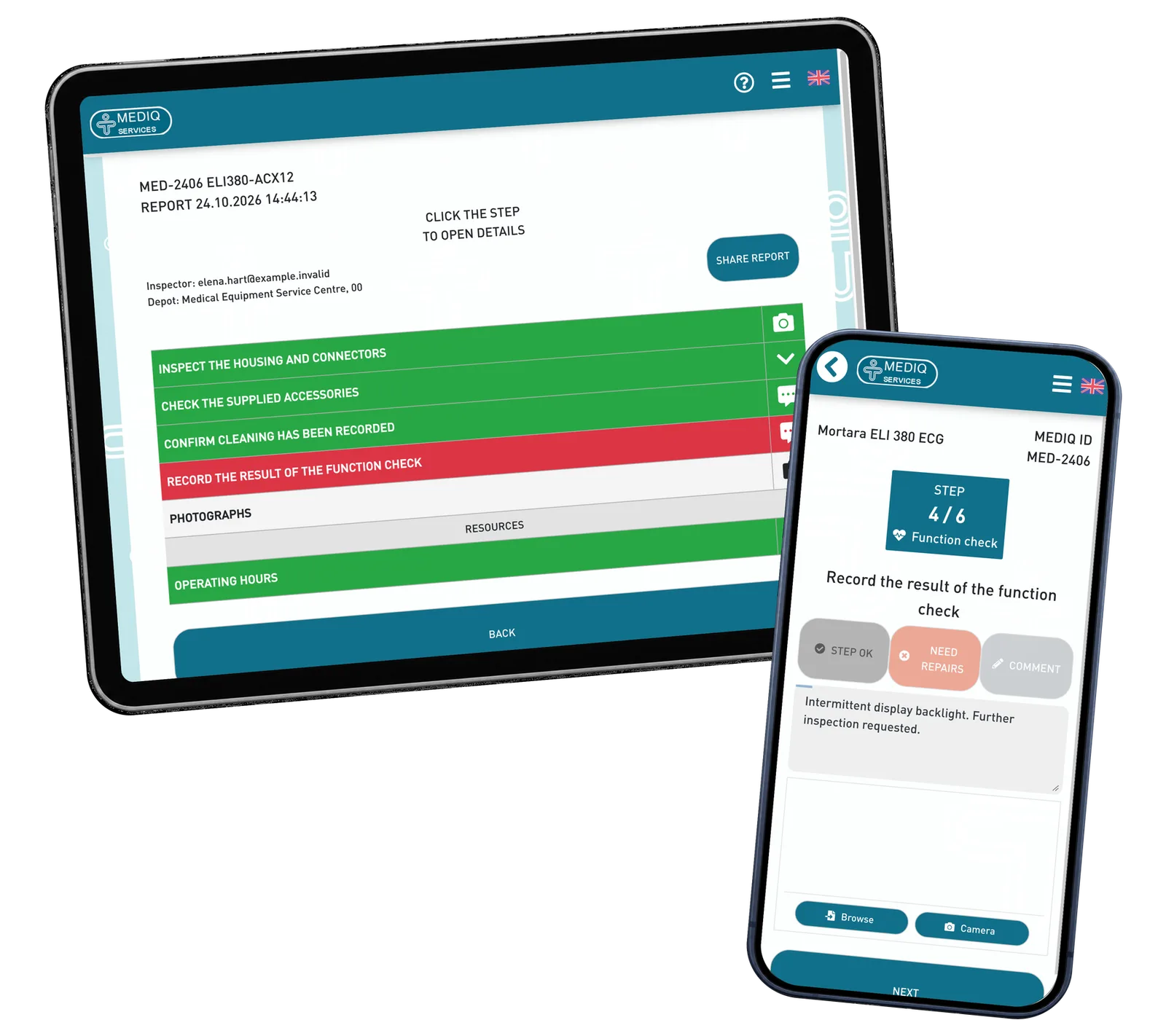
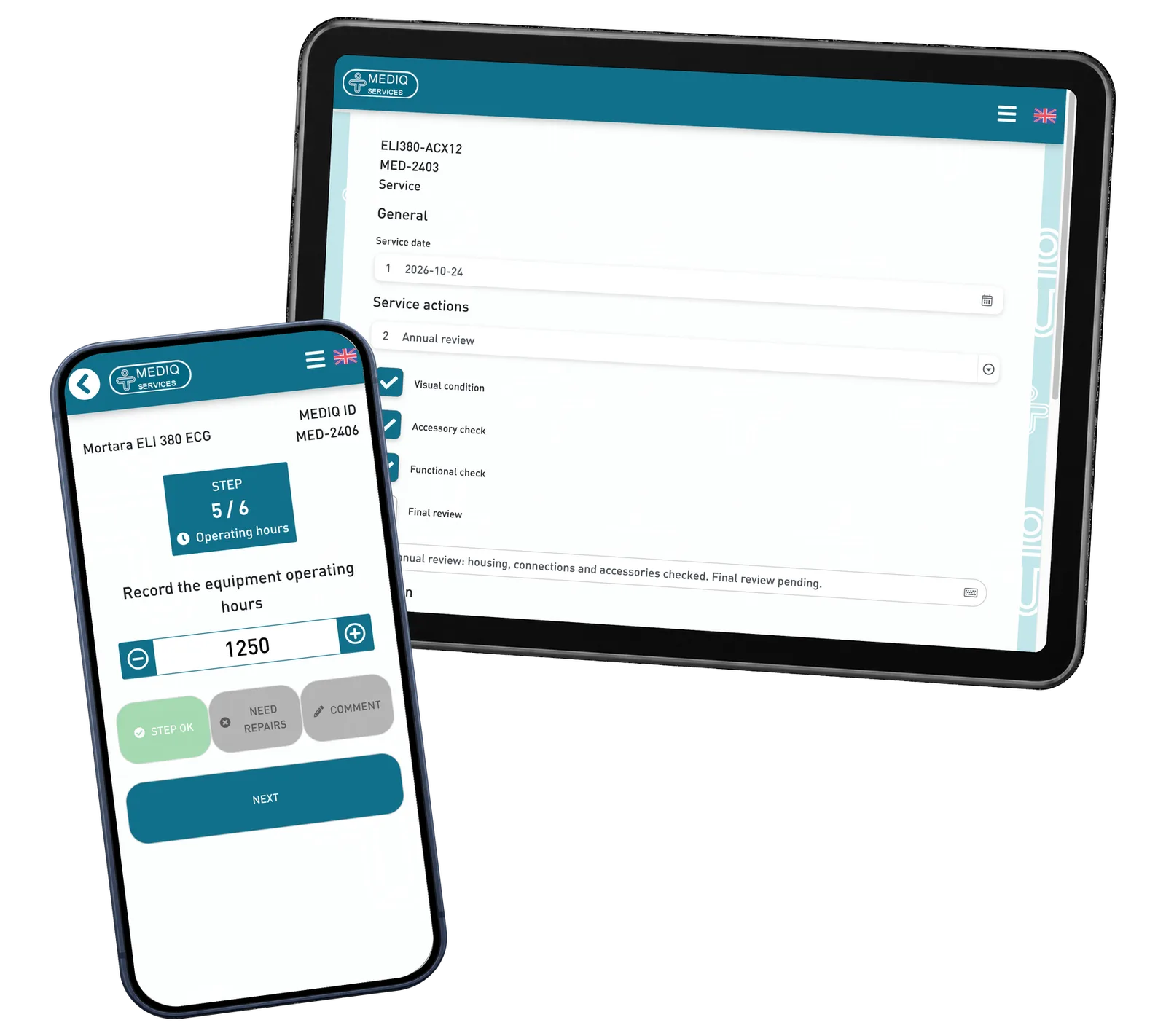
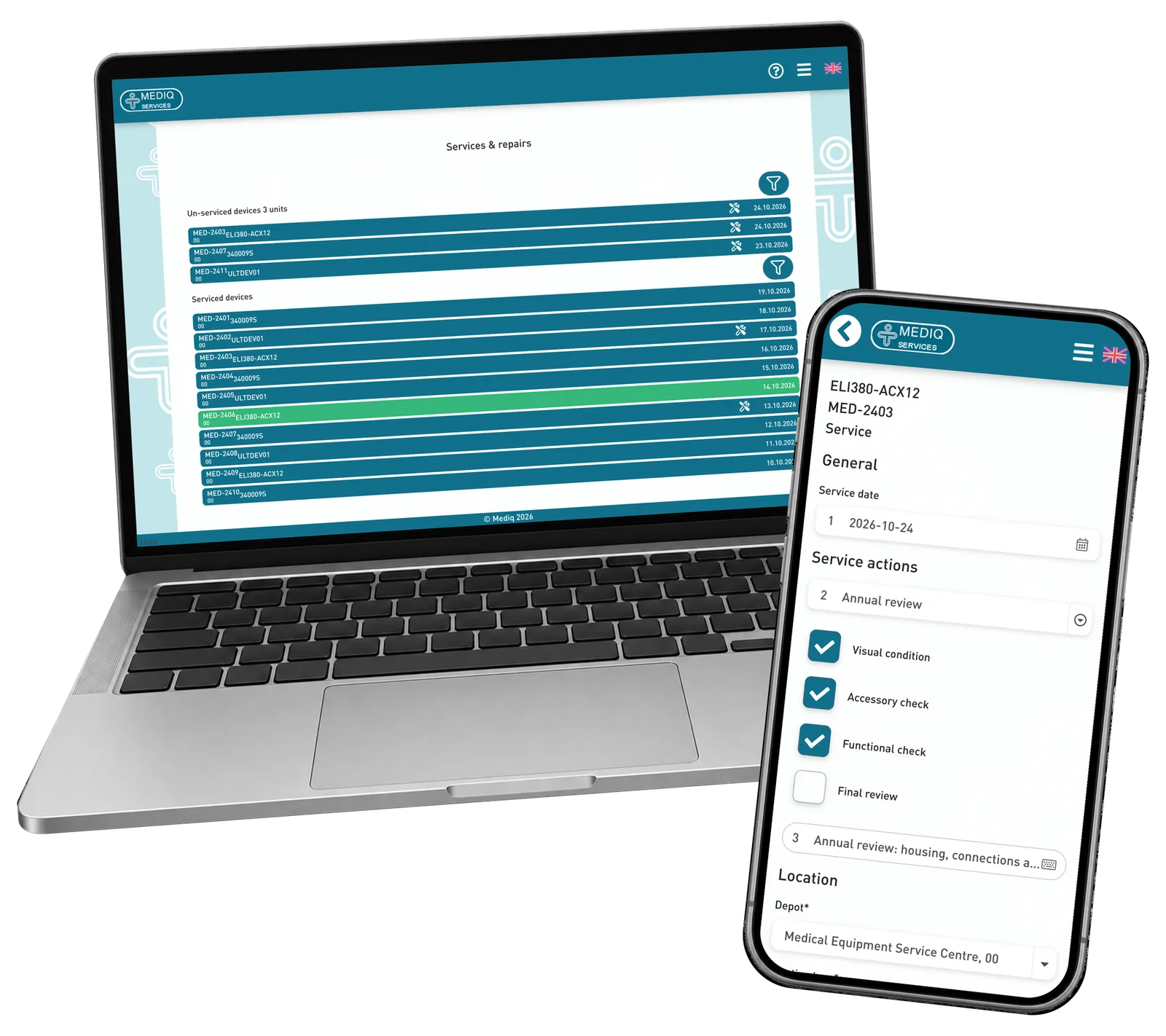
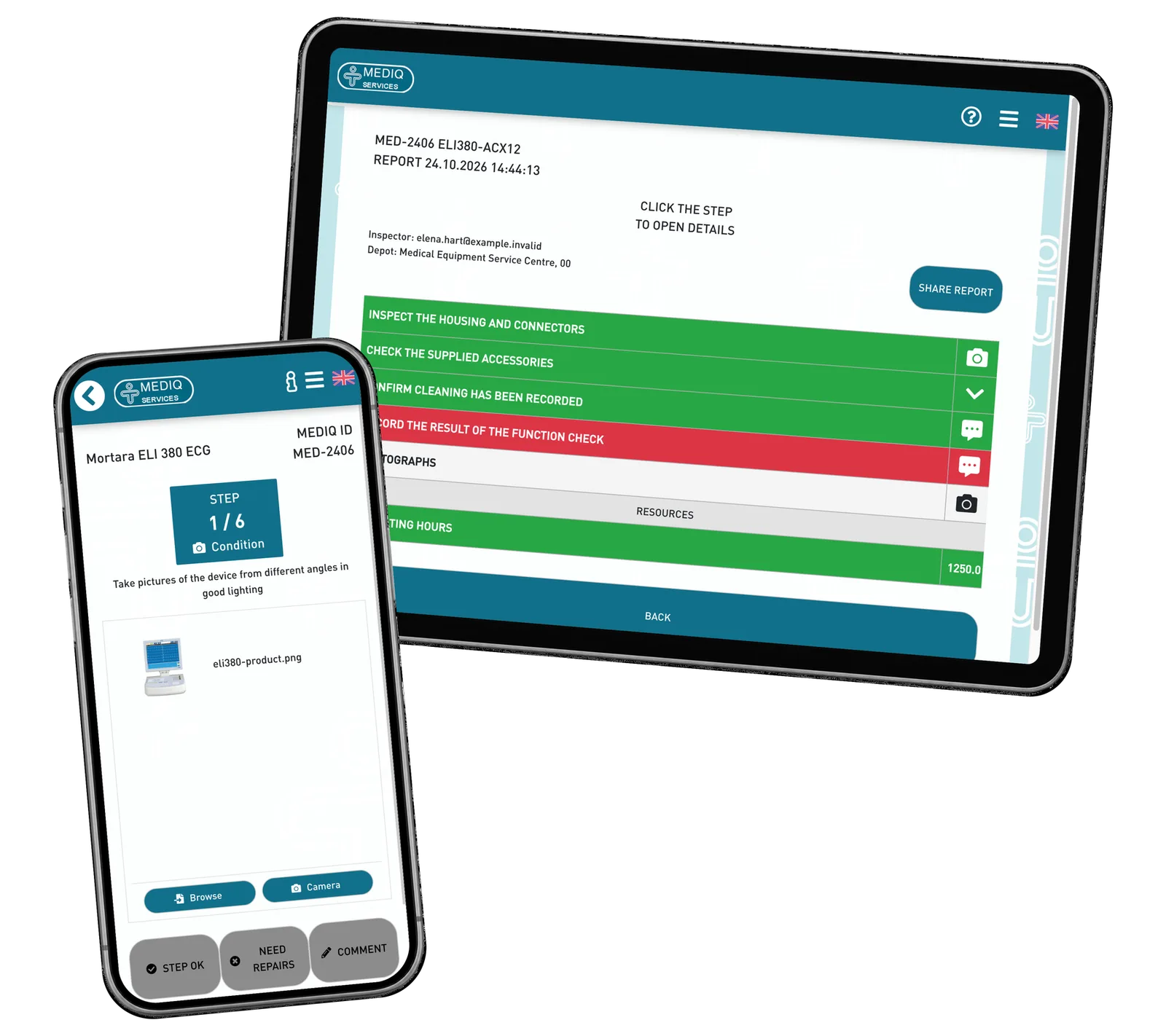
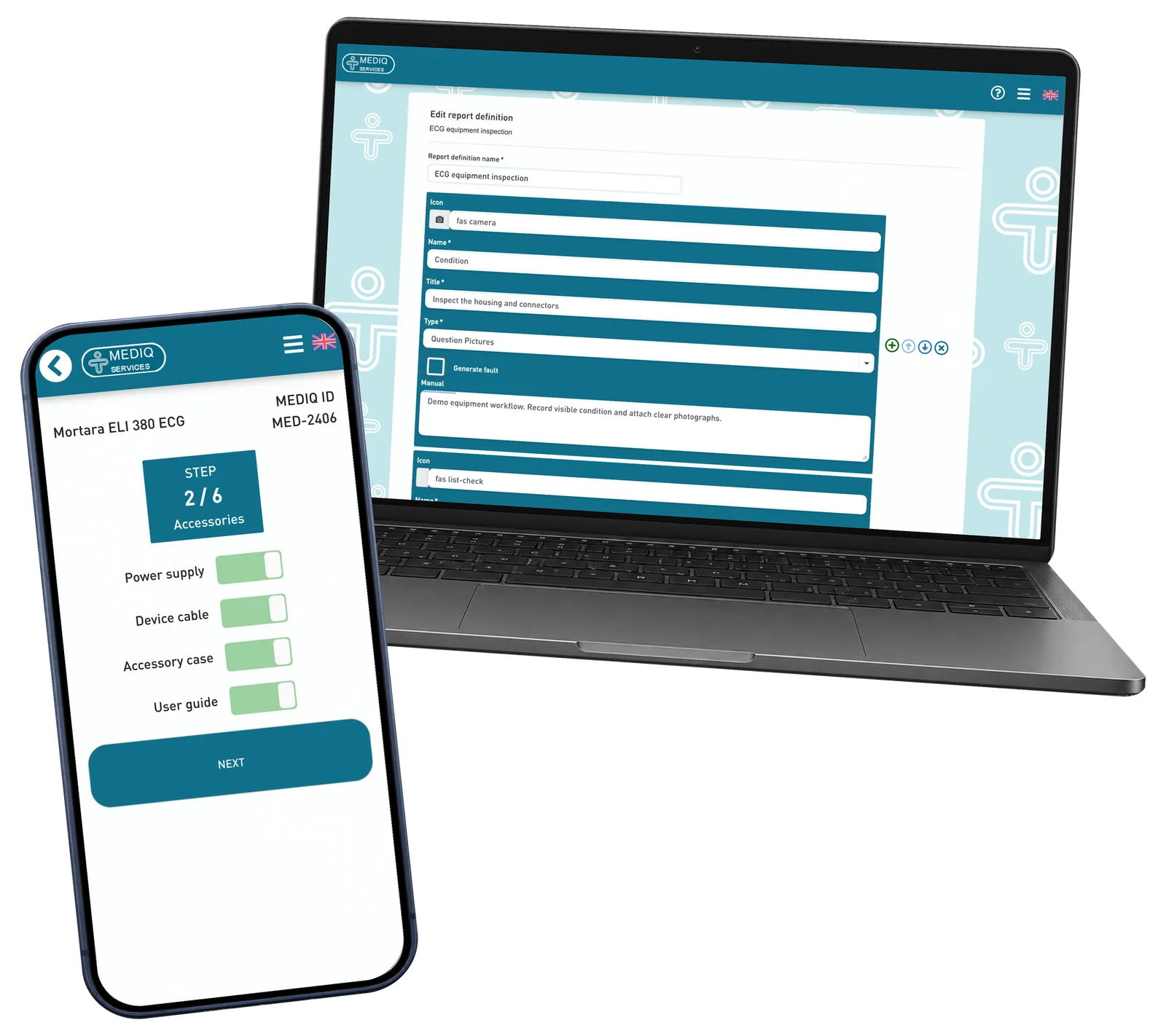
The technician starts with the equipment Mediq number and opens its information and status. A configured sequence then guides the inspection: review condition, check accessories, record observations, enter operating hours and attach photographs. A summary brings the answers together before saving. Previous reports remain accessible from the equipment card, and service work has its own actions, comments and location. Administrators can configure inspection steps and service definitions for different equipment groups. The prototype combines phone-friendly field work with wider management views; the screens shown use fictional demonstration data.
Screenshots and media
Screenshots and media
Product capabilities
What customers and teams can do
Identify and prepare
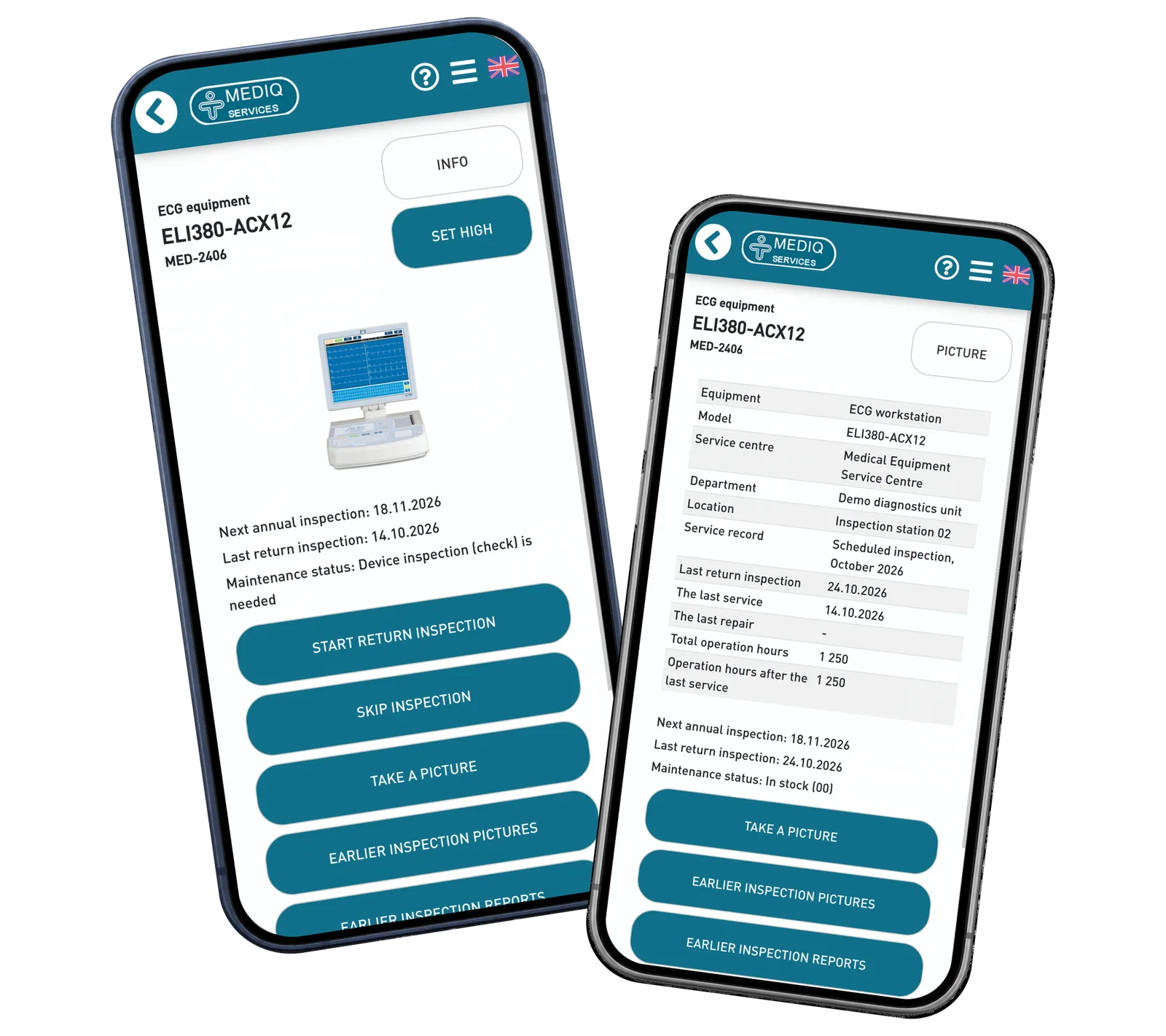
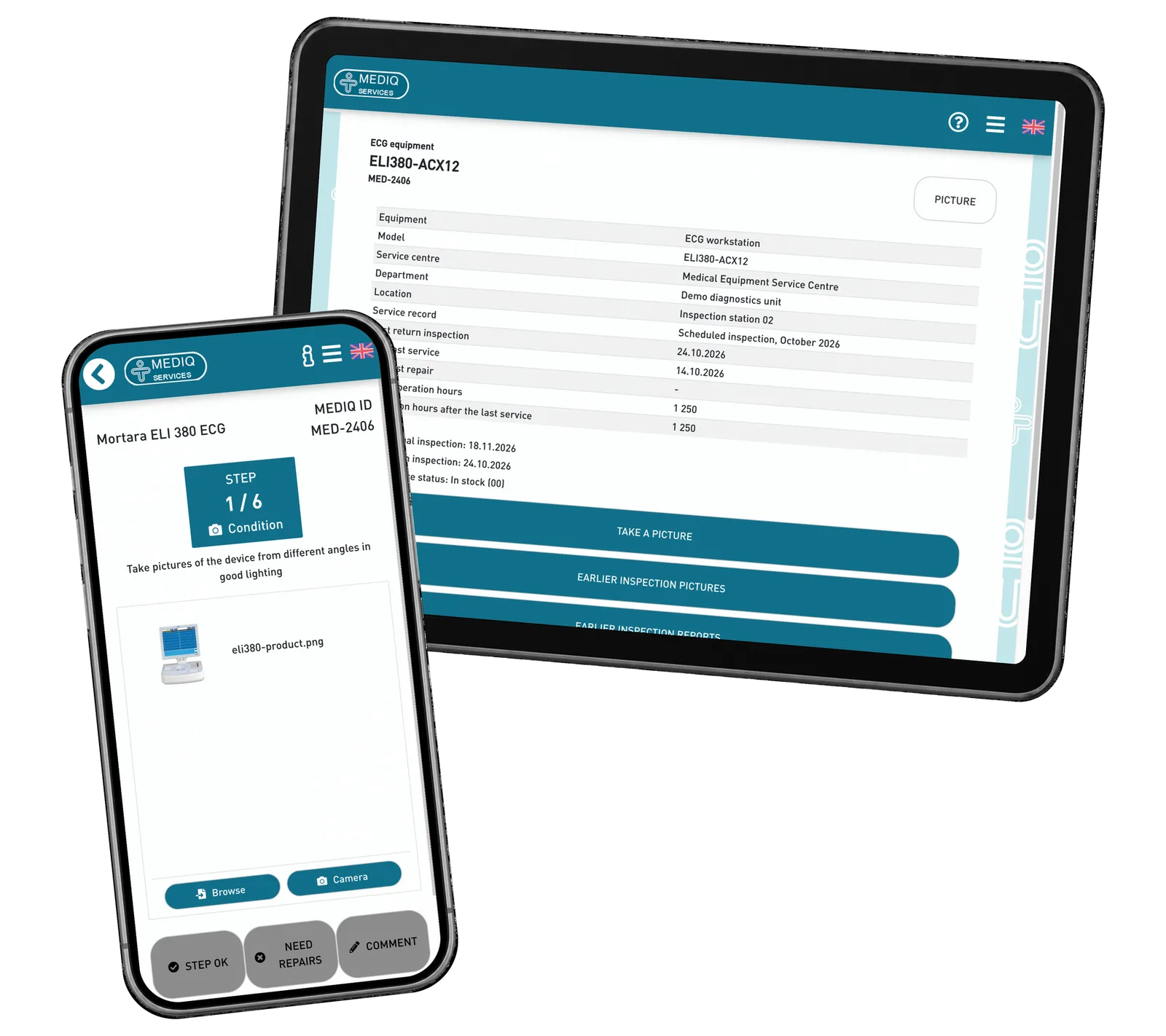
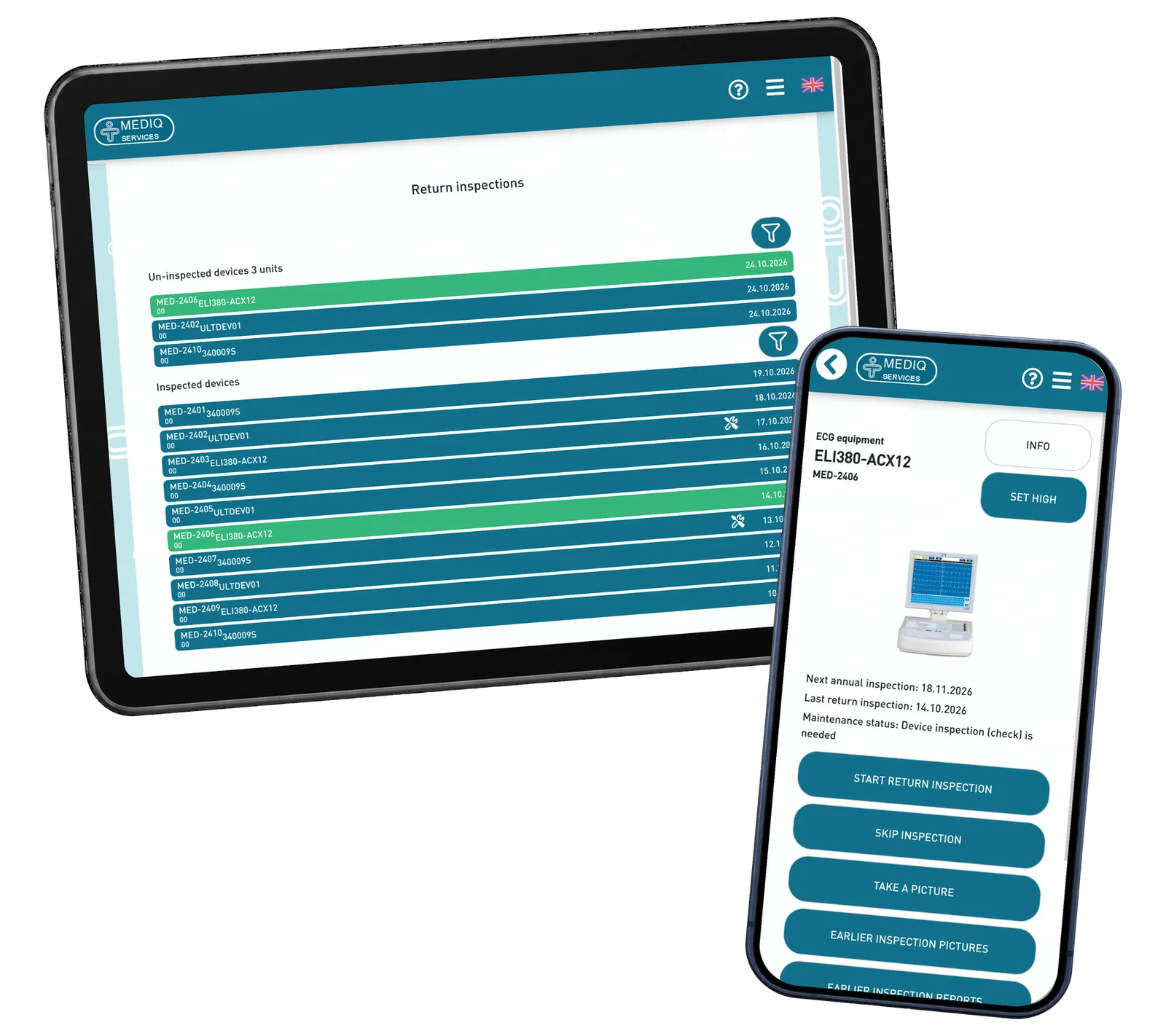
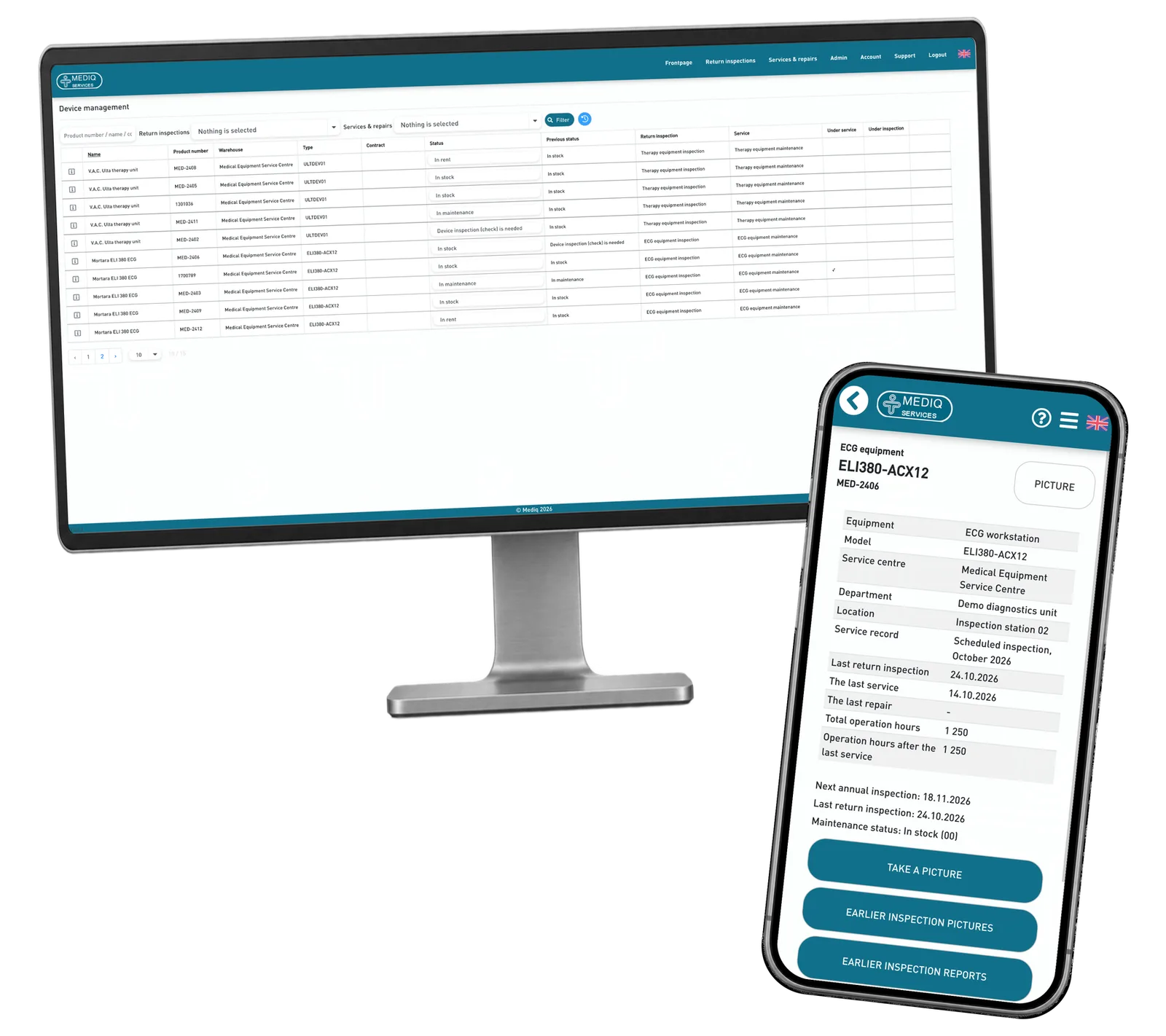
Find equipment by its Mediq number and see the information needed for the task. The card brings status, inspection dates, service history and an equipment image into one place. A technician can decide which workflow to open without searching across unrelated records, with the equipment details at hand.
Inspect and document
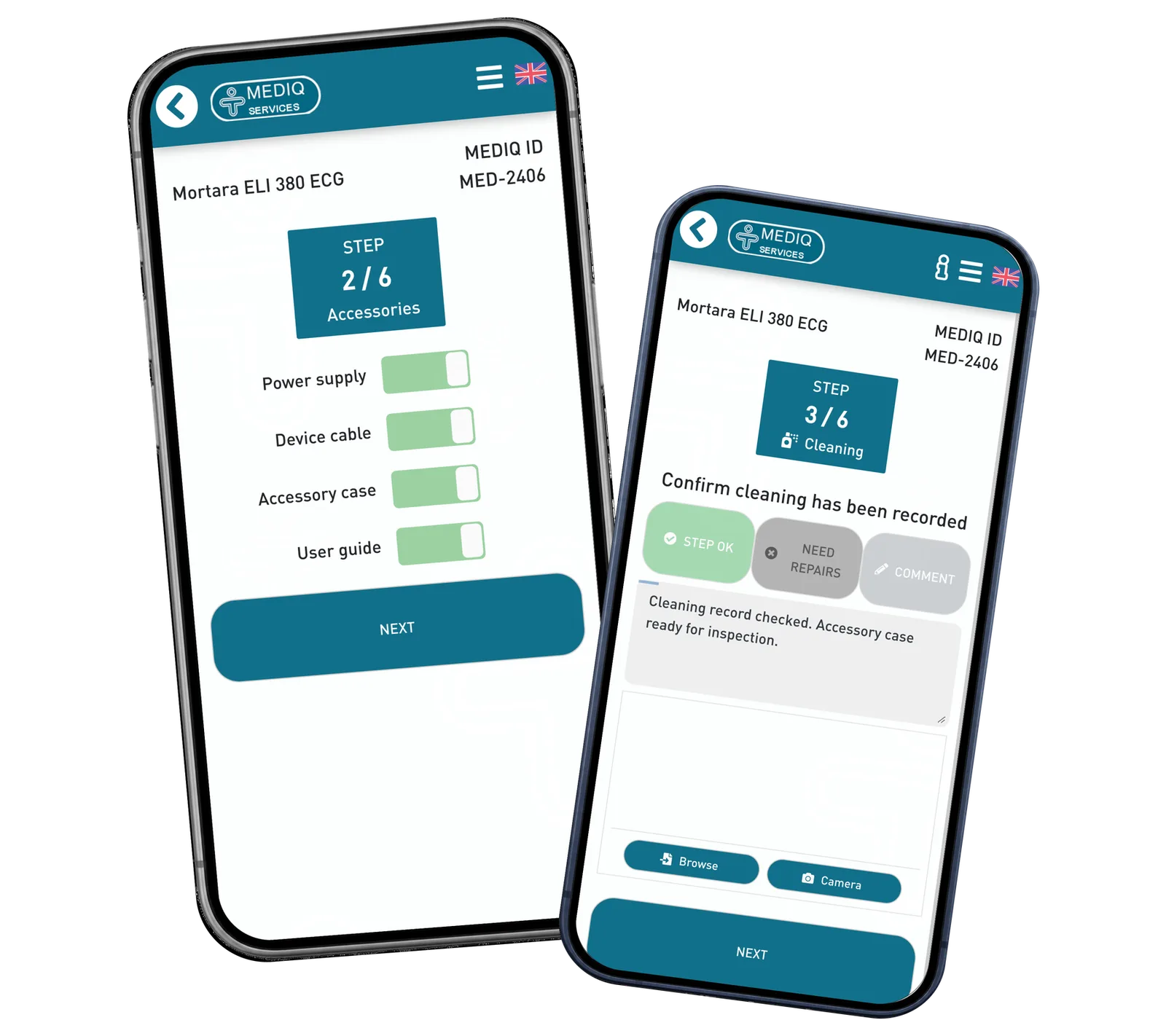
Follow the inspection one step at a time. Record the condition, verify accessories, attach photographs and add a comment when an observation needs explanation. The summary makes completed answers and recorded issues visible together before the report is saved to the equipment history.
Coordinate and configure
Use separate worklists for return inspections and service work. Equipment status, location and dates help the team see what needs attention. Configure inspection steps, accessory checklists and service actions for equipment groups, then use those definitions in the technician’s workflow.
Reusable platform model
What ReApptor can reuse from this case
Equipment service portal
Connect equipment identity, current status and previous work in a shared service interface. The same record can support the technician at the device and the coordinator planning follow-up work.
- Keep the equipment and the next task connected.
Ideal for
Equipment owners and service teams managing checks and maintenance.
Guided field inspections
Turn a defined inspection into a sequence that is practical on a phone. Combine checklists, observations, photographs and recorded values, with a summary that can be reviewed before saving.
- Make the expected steps clear while preserving observations.
Ideal for
Teams documenting recurring equipment inspections and follow-up work in the field.
Configurable workflows
Define inspection steps and service actions for different equipment groups. Connect these definitions to everyday work so administrators and technicians follow the same process and instructions.
- Adapt the workflow to equipment groups and their service tasks.
Ideal for
Organisations maintaining different device categories and service procedures.
Make your equipment workflow easier to follow
Show us how equipment moves through your team: identification, checks, service and handover. We can discuss a practical interface around your real roles, equipment groups and existing systems.
Discuss your equipment service workflow